
OCR, short for Optical Character Recognition, is the technology that converts text inside images, scanned files, and image-based PDFs into machine-readable text. In practical terms, OCR turns a photo of a receipt, a scanned contract, or a paper form into digital content that can be searched, copied, indexed, analyzed, and integrated into business workflows.
For businesses, OCR is more than a convenience feature. It is a core part of digital transformation because it bridges the gap between paper documents and structured digital data. Without OCR, scanned files are often just images. With OCR, they become usable business assets.
Why OCR Matters
Many companies still receive information in forms that are difficult to process automatically: invoices, receipts, contracts, delivery notes, ID documents, forms, medical records, and archived paper files. When these files are scanned without OCR, the text is visually visible to humans but hidden from software systems. OCR solves that problem by extracting the text and making it searchable and processable.
This is why OCR is widely used to create searchable PDFs, improve document retrieval, reduce manual data entry, support compliance archiving, and accelerate downstream automation. Adobe’s searchable PDF guidance and AWS’s OCR overview both emphasize that OCR turns image-based documents into editable or searchable files, saving time and improving efficiency.
How OCR Works
At a high level, OCR usually follows a multi-step workflow.
1. Image acquisition
The process starts with an image or document input, such as a scanned PDF, phone photo, TIFF, PNG, or JPEG. The system first receives the visual content and prepares it for analysis. IBM describes this initial stage as converting the source into a form suitable for recognition.
2. Preprocessing
Before recognition, OCR engines often clean and normalize the image. This can include removing noise, increasing contrast, smoothing edges, correcting skew, and handling poor alignment. Google Cloud explicitly notes deskewing and rotation correction as features that improve extraction quality, while IBM highlights preprocessing as an important stage for removing extraneous pixels and correcting page alignment.
3. Text detection
The OCR system then locates where text appears on the page. IBM describes OCR as involving a detection stage that localizes words in the document. Modern OCR platforms can detect blocks, paragraphs, lines, words, and sometimes even symbols.
4. Text recognition
Once text regions are found, the system identifies the characters or words. Traditional OCR relied heavily on pattern matching and font templates. More modern systems use machine learning and neural networks to recognize printed text, handwriting, mixed languages, and complex layouts more accurately. Microsoft notes that modern OCR extracts printed and handwritten text and can output words, lines, and text blocks, while Tesseract documentation highlights its LSTM-based OCR engine.
5. Structuring and export
The final output may be plain text, searchable PDF, DOCX, XML, JSON, or database-ready structured data. In more advanced scenarios, OCR output is not limited to text alone. It can include coordinates, confidence scores, page structure, layout hierarchy, and detected document elements such as checkboxes, form fields, or table content.
Types of OCR
One reason OCR articles rank well is that they do not stop at the basic definition. They often explain that OCR sits inside a broader family of recognition technologies.
Simple OCR
Simple OCR generally matches image patterns against stored font or character templates. It works best on clear, printed documents with predictable fonts and clean layouts. AWS lists this as a basic OCR category based on matching algorithms.
ICR (Intelligent Character Recognition)
ICR is an extension of OCR that uses machine learning to interpret hand-printed characters and more variable character shapes. It is especially relevant when dealing with handwritten forms or mixed-format input. AWS and ABBYY both distinguish ICR from standard OCR.
IWR (Intelligent Word Recognition)
IWR works at the word level rather than strictly at the character level. This can improve performance in certain handwriting or document-capture scenarios where context helps identify full words more reliably. AWS includes intelligent word recognition as a separate OCR-related type.
OMR (Optical Mark Recognition)
OMR is often discussed alongside OCR, although it is technically different. Instead of reading letters, OMR identifies marks such as filled bubbles, checkboxes, and selection areas. In practical document workflows, OCR and OMR are often combined for exams, surveys, application forms, and checklists.
Full-text recognition vs field-level recognition
ABBYY also makes a useful distinction between full-text recognition and field-level recognition. Full-text recognition is used for document conversion, archiving, and content reuse, while field-level recognition focuses on extracting specific values from designated areas, such as invoice totals, dates, names, or ID numbers.
OCR vs AI OCR
Traditional OCR mainly focuses on converting visible text into machine-readable text. AI OCR goes further. It can understand layout, identify document structure, detect tables, interpret forms, extract key-value pairs, read handwriting, and sometimes infer relationships between fields.
This is why many cloud platforms now position OCR as part of Intelligent Document Processing (IDP) or Document AI rather than as a stand-alone utility. Microsoft states that OCR is foundational to IDP, while Google Cloud’s Enterprise Document OCR adds features such as language hints, rotation correction, image-quality scoring, checkbox extraction, and font-style detection.
In other words, basic OCR answers the question: “What text is on this page?”
AI OCR and document intelligence answer the bigger question: “What does this document contain, and which data matters?”
Common OCR Use Cases
OCR is used across many industries because text trapped inside images is a universal problem.
Searchable PDF and digital archives
One of the most common use cases is turning scanned or faxed PDFs into searchable documents. This is critical for archives, legal files, compliance records, and historical document storage. Adobe explains that image-based PDFs need OCR before users can search inside them.
Invoice, receipt, and form processing
Accounts payable, finance, logistics, and operations teams use OCR to extract data from invoices, purchase orders, receipts, and delivery documents. OCR reduces manual keying and supports automated routing into ERP, accounting, and workflow systems. AWS repeatedly highlights receipts, forms, invoices, and contracts as major OCR and IDP scenarios.
ID documents and onboarding
OCR can accelerate customer onboarding and verification workflows by reading data from IDs, licenses, applications, and supporting documents. In these cases, OCR is typically paired with validation logic and human review for higher-risk decisions. This broader document-processing direction is reflected in Microsoft and Google Cloud’s OCR and document intelligence positioning.
Multilingual content and handwriting
Modern OCR platforms increasingly support multiple languages and, in some cases, mixed-language documents. Microsoft notes support for printed and handwritten text in multiple languages, and Google documents language detection and language hints to improve results.
General image text extraction
Beyond documents, OCR is also used for posters, signs, labels, packages, screenshots, and product images. Microsoft specifically separates OCR for general “in-the-wild” images from document-optimized OCR for scanned or digital documents.
Free Tools: Free Image to text
What Affects OCR Accuracy
OCR accuracy is not determined by software alone. Image quality and document conditions matter a lot.
IBM identifies several common causes of OCR difficulty: insufficient resolution, bad lighting, loss of focus, unaligned pages, incorrect scanner settings, and artifacts caused by poor printing. Google adds rotation issues, glare, blurriness, and small fonts to the list of factors that can affect extraction quality.
To improve OCR performance, it is generally best to:
- capture documents at adequate resolution,
- avoid blur and shadows,
- correct skew and rotation,
- keep contrast high,
- use clean originals when possible,
- provide language hints when the source language is known,
- and apply human verification when extracting critical business data.
For SEO content, this section is important because users searching “OCR” often also want to know why their recognition results are inaccurate or inconsistent.
OCR Software Options: Open Source vs Cloud OCR
OCR tools typically fall into two broad groups: open-source engines and managed cloud services.
Tesseract is one of the best-known open-source OCR engines. Its documentation states that it is open source under the Apache 2.0 license, supports a wide variety of languages, and includes an LSTM-based engine introduced in Tesseract 4. It is a strong option for developers who want control, offline processing, and no vendor lock-in, though deployment and optimization require technical effort.
Managed cloud OCR platforms from providers such as Google Cloud, Microsoft, and AWS generally offer easier scaling, built-in language handling, layout extraction, confidence scores, and structured document features. They are often the better choice when businesses need faster deployment, enterprise support, and advanced document understanding.
Is OCR Enough on Its Own?
For simple tasks such as converting a scanned PDF into searchable text, OCR may be enough. But many businesses now need more than text extraction. They need document classification, table parsing, form understanding, key-value extraction, validation, workflow routing, and analytics. That is why OCR is increasingly used as the foundation of larger document automation systems rather than as a stand-alone step.
Conclusion
OCR is a foundational technology for turning paper-based and image-based information into usable digital data. At its simplest, OCR converts visible text into machine-readable text. At a more advanced level, modern AI-powered OCR systems can understand layout, handwriting, tables, checkboxes, and document structure, making them central to intelligent document processing.
For users and businesses alike, the real value of OCR is not just reading words from an image. It is making documents searchable, actionable, and ready for automation. That is why OCR continues to be one of the most important technologies in document digitization, workflow efficiency, and enterprise information management.
FAQ
What does OCR stand for?
OCR stands for Optical Character Recognition. It refers to technology that extracts text from images, scans, and image-based PDFs and converts that text into machine-readable form.
Can OCR read handwriting?
Yes, many modern OCR systems can read at least some handwritten or hand-printed text. Microsoft and AWS distinguish between standard OCR and more advanced approaches such as ICR for handwriting-related scenarios.
Why is my scanned PDF not searchable?
Because many scanned PDFs are saved as images, not as text-based documents. OCR must be applied before the text can be searched, copied, or indexed.
What is the difference between OCR and AI OCR?
OCR focuses on reading text. AI OCR usually adds document understanding capabilities such as layout analysis, table extraction, handwriting support, and field detection.
What is the difference between OCR and OMR?
OCR reads characters and words, while OMR detects marks such as filled bubbles, checkboxes, or selections on forms.
Is Tesseract still relevant?
Yes. Tesseract remains a major open-source OCR engine, with Apache 2.0 licensing, broad language support, and LSTM-based recognition.
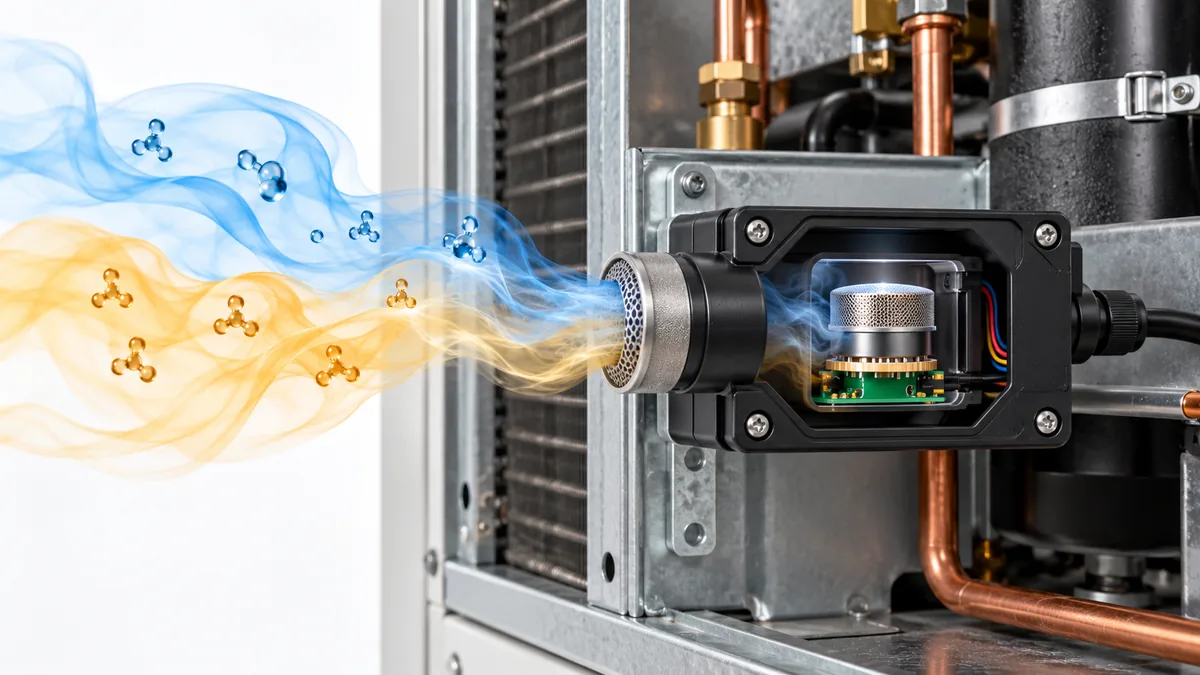
Can Another Gas Trigger a Refrigerant Detector? Reading Cross-Sensitivity Claims
Understand refrigerant-detector cross-sensitivity, compare NDIR and MOS evidence, and read gas-interference claims without dismissing a real alarm.
Read More
What Should a Refrigeration Plant-Room Gas Monitoring Log Record?
Build a useful plant-room gas log by recording detector identity, configuration, alarms, faults, ventilation response and maintenance evidence.
Read More
When Does Condensation Mislead an HVAC Sensor?
Learn when condensation at HVAC coils, probes and enclosures changes a sensor reading, and how to distinguish expected drainage from unwanted wetting.
Read More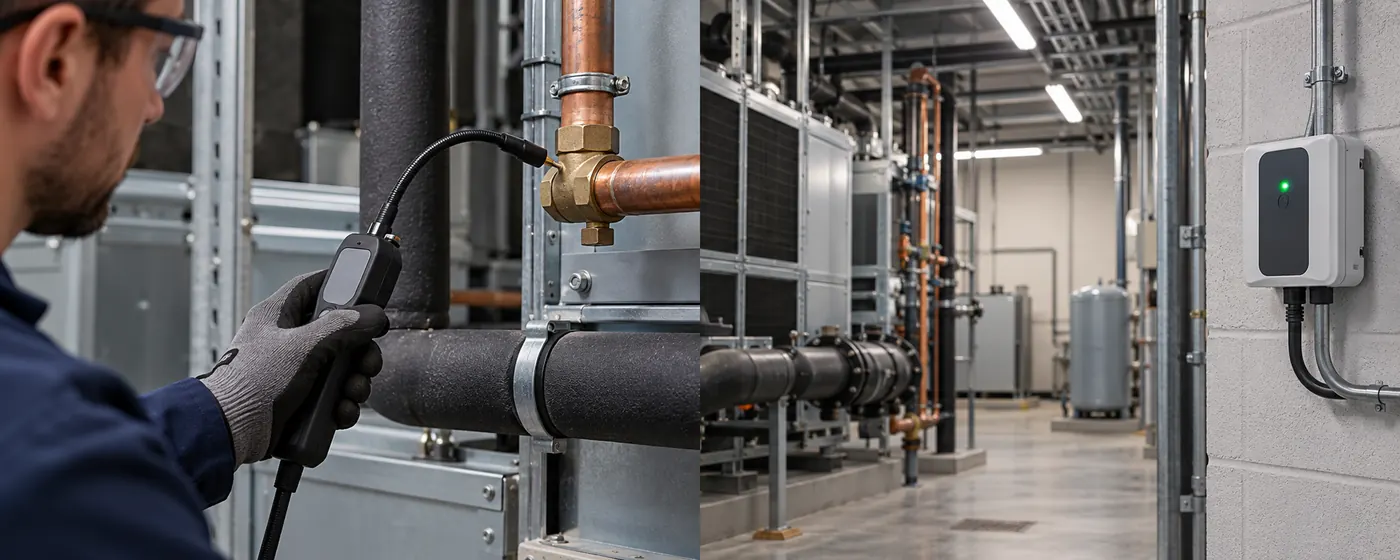
Portable vs Fixed Refrigerant Detection: How Their Jobs Differ
Compare handheld leak locators, fixed-point monitors and aspirating systems by sample location, response chain and commissioning needs.
Read More
Refrigerant Identification vs Concentration Measurement: Which Test Do You Need?
Distinguish a sealed-charge identifier from ambient concentration monitoring, handheld leak location and formal refrigerant purity testing.
Read More
How Humidity Affects Optical PM2.5 Sensor Readings
Learn why humidity, water uptake, fog and condensation can affect optical PM2.5 estimates and how to investigate and validate a humid-air spike.
Read More